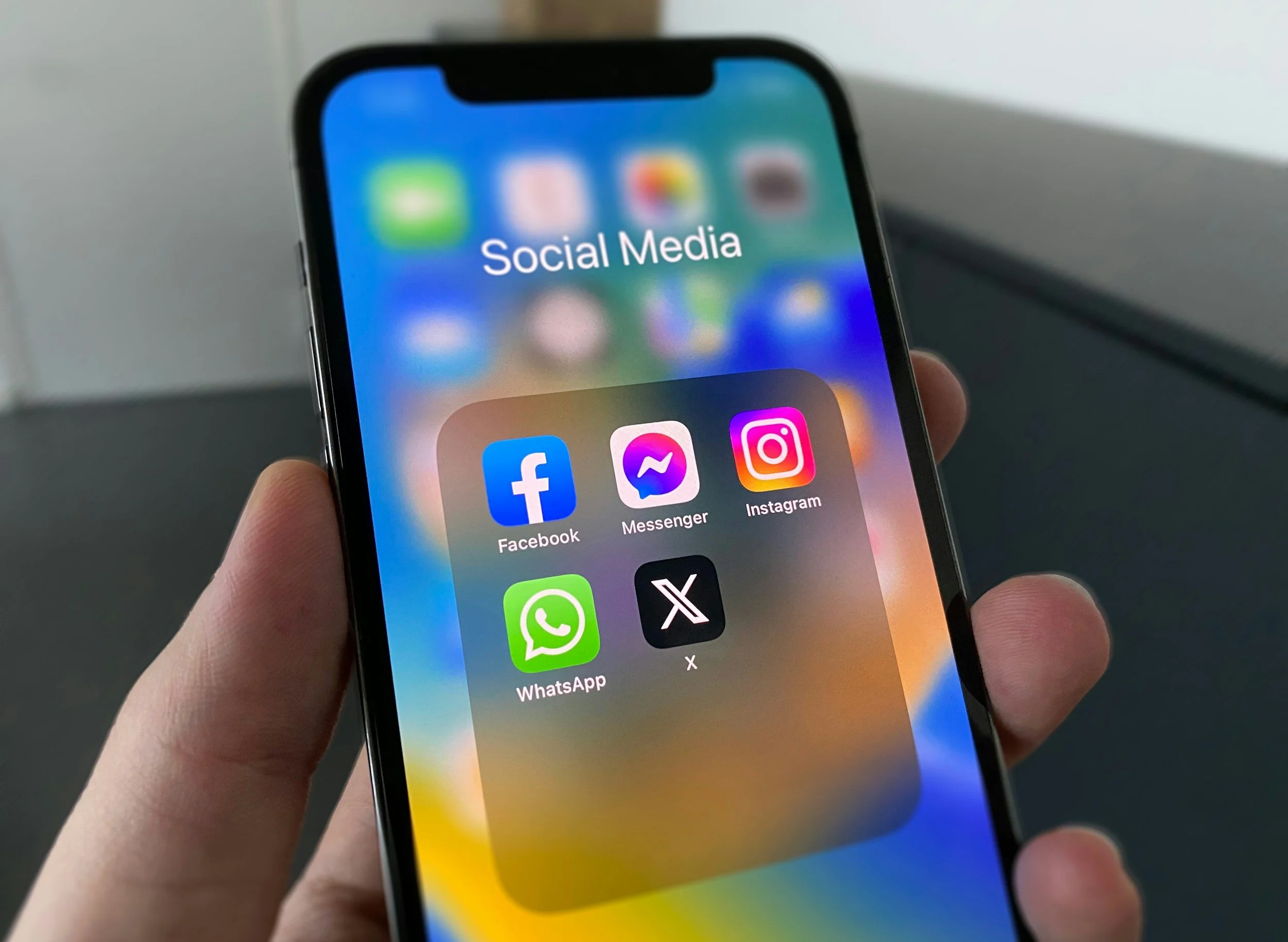
This month we're talking about mental health and some of the challenges young people face online. If you've ever thought, "Why does my feed keep showing me this?", you're not alone. TikTok, YouTube, Instagram and Snapchat learn from what we watch and interact with.
The good news is that your feed can be changed.
Apps learn from what you do. They notice what you watch, like, share, save, search for, comment on, and even what you stop to look at for a few seconds. If you've been getting lots of annoying, upsetting, negative or addictive content, you can help teach the app to show you something different.
Important: There Is No Magic Reset Button
You can't completely wipe an algorithm forever. Even after a reset, the app will start learning from your behaviour again almost immediately.
Think of it like training a pet. If you keep giving it the same signals, it will keep doing the same thing.
The 5-Minute Feed Reset
Before you do anything else:
✅ Unfollow accounts that make you feel worse or post content you don't want.
✅ Clear watch history, search history, or suggested content where possible.
✅ Use Not Interested, Hide, See Less, or Don't Recommend whenever unwanted content appears.
✅ Spend 10 minutes watching, searching for, and following content you actually want more of.
YouTube
Reset Your Recommendations
Open YouTube.
Tap your profile picture.
Go to Settings.
Tap Manage All History.
Delete your watch and search history.
Return to the Home page.
Tap the three dots on unwanted videos.
Choose Not Interested or Don't Recommend Channel.
Search for and watch content you genuinely enjoy.
Pro Tip
YouTube learns a lot from what you watch all the way through. Even hate-watching a video can result in seeing more of the same thing.
TikTok
Refresh Your "For You" Page
Open TikTok.
Go to Profile.
Tap the menu button.
Select Settings and Privacy.
Tap Content Preferences.
Choose Refresh Your For You Feed.
Follow the instructions.
Train TikTok Better
When you see something you don't want:
Press and hold the video.
Tap Not Interested.
Keep doing this whenever similar videos appear.
You can also use Manage Topics to reduce certain types of content.
Pro Tip
TikTok treats watching, rewatching, pausing, and reading comments as signs you're interested, even if you're only curious.
Reset Suggested Content
Open Instagram.
Go to your profile.
Tap the menu button.
Select Content Preferences.
Tap Reset Suggested Content.
Follow the instructions.
Reduce Unwanted Posts
Tap the three dots on posts, Reels, or Explore content.
Select Not Interested.
Use keyword controls where available.
Add words, phrases, or emojis linked to content you'd rather avoid.
Pro Tip
Your Explore page won't change overnight. It usually takes a few days of different viewing habits before Instagram starts showing noticeably different content.
Snapchat
Clean Up Discover and Spotlight
Open Snapchat.
Go to Stories, Discover, or Spotlight.
Press and hold unwanted content.
Select Hide or Hide This Content.
Repeat for anything you don't want to see.
Unfollow Accounts
Go to Stories.
Open account options.
Remove creators or Stories you're not interested in anymore.
Pro Tip
Snapchat doesn't have one big reset button. The best method is hiding content, unfollowing accounts, and regularly telling the app what you don't want.
Improve Your Feed
Find an unwanted post.
Tap the three dots.
Select Hide Post, Unfollow, Snooze, or Not Interested.
Repeat whenever similar content appears.
Pro Tip
Facebook learns from who you follow, what groups you're in, and the posts you engage with. A quick clean-up can make a big difference.
Remember This
Your Feed Follows Your Attention
The algorithm doesn't know whether you love something, hate it, or are just curious.
It only knows that you spent time looking at it.
If you want your feed to improve:
Skip unwanted videos quickly.
Use Not Interested every time.
Stop doom-scrolling.
Follow people who inspire, teach, or entertain you positively.
Search for hobbies, interests and creators you genuinely like.
Take regular breaks from endless scrolling.
The Golden Rule
A feed reset isn't a button. It's a few days of giving your apps better signals.
The more you interact with content that makes you feel good, teaches you something useful, or matches your real interests, the more your feed will start working for you instead of against you.